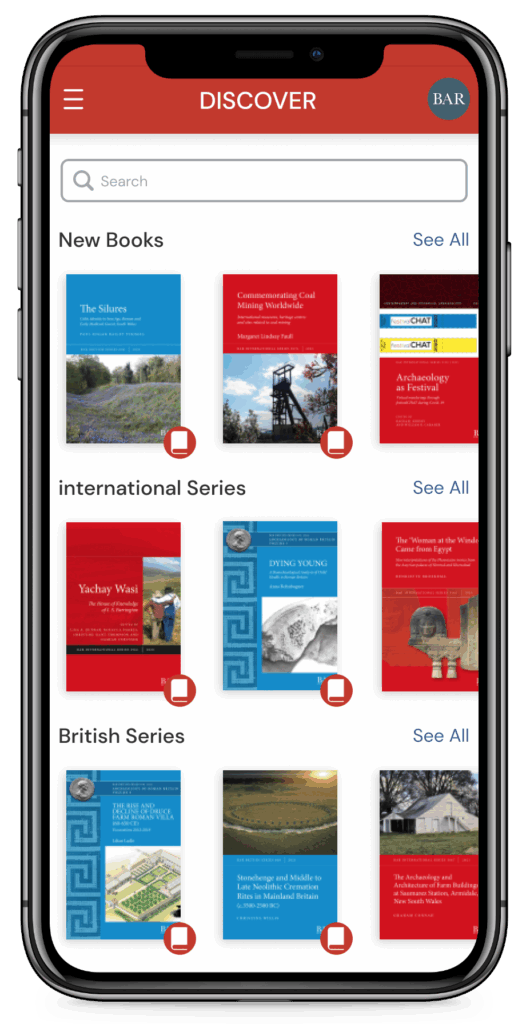
Need the app for your eBooks?
Use the Bar Publishing app to read your books on iOS, Android, Windows and macOS devices.
Just click the relevant download link below and install the app. Then log in with the email address used for your purchase. The eBooks you’ve just bought will be displayed within MY BOOKS.
Download Now On :
App Store
for iOS devices
Google Play
for Android devices
Microsoft Windows
download for Windows desktop computers
macOS (ARM)
download for Macintosh desktop computers
macOS (x64)
download for Macintosh desktop computers
Instructions for installing macOS app
If your Mac uses the Apple M chip, you should download the ARM app. For older Macs that use the Intel chip, you should download the x64 app.
- Download the dmg file
- Double click it and drag the Bar Publishing icon to the Applications folder
- Open your Applications folder and click on the Bar Publishing icon
If you receive the message ‘Bar Publishing Desktop Reader cannot be opened because the developer cannot be verified’ when opening the app, on your Mac, go to Settings and in Privacy & Security, change the Allow applications from setting to App Store & Known Developers.